























How to Check 2026 BECE Provisional Results Using A Mobile Phone

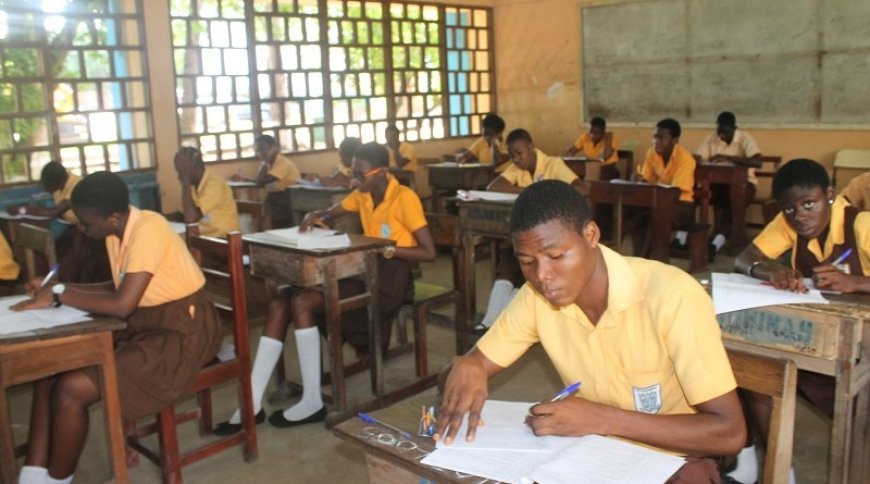
The West African Examinations Council (WAEC) has released provisional results for the 2026 Basic Education Certificate Examination (BECE), requiring candidates to check their scores using a PIN on the official website eresults.waecgh.org.
The PIN can be purchased through the official shortcode service by dialling *713*3998# or visiting buycheckercodes.com.gh.
After obtaining a serial and PIN, follow the official steps provided to assess your BECE results.
How to check BECE school results on a phone
-
Go to the BECE result checking portal at eresults.waecgh.org.
-
Enter your index number.
-
Re-enter the index number to confirm if it’s correct.
-
Select exam type (e.g., BECE School or BECE Private)
-
Choose the exam year (2026)
-
Enter your serial number (e.g., 180000000001)
-
Enter PIN (e.g., A1B2C3D4E5F9)
-
Tick the Captcha and
-
Click on the submit button and wait for a new window to display your 2024 BECE result.
-
Your results will be displayed. You can print it by locating the nearest printing shop in your locality.
-
Keep the printed results for your records-keeping ahead of the placement release.
The examination body has also cautioned candidates and the public to be wary of fraudsters who claim they can upgrade results for a fee.
The Council says candidates should rely only on official channels when checking their results
Click the link Puretvonline.com | WhatsApp Channel to join the WhatsApp channel
Contact/WhatsApp: +233243201960 or manuelnkansah33@gmail.com